
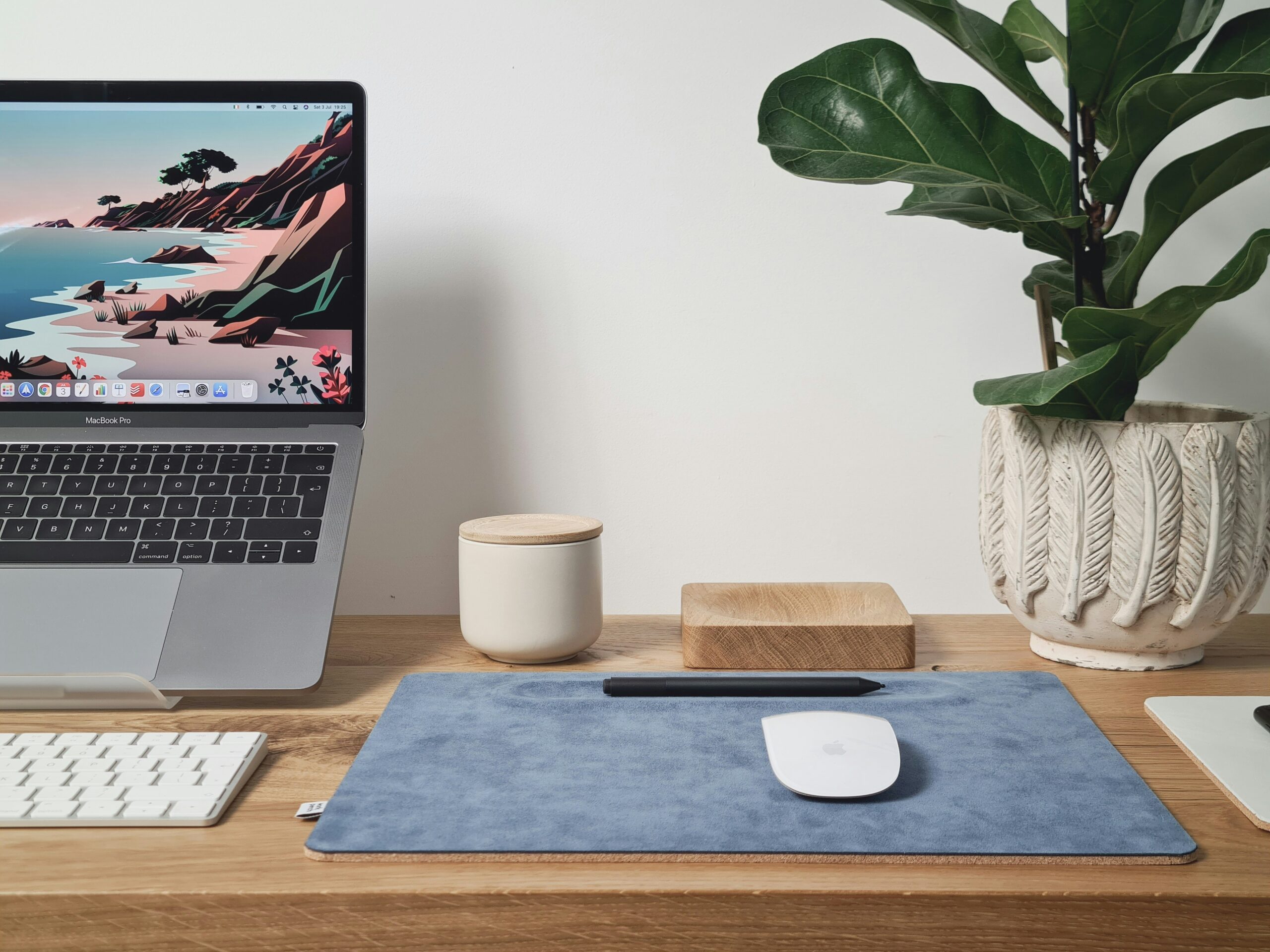
You sit down to work, but before you even begin, you’re already moving papers, looking for a charger, searching for a notebook, or trying to clear enough space for your laptop. The work itself isn’t always the hardest part. Sometimes it’s simply dealing with everything that has piled up around your workspace.
I’ve gone through this myself more than once. My desk would stay organized for a day or two, then slowly disappear under documents, stationery, coffee mugs, and random items that had nothing to do with work. What finally made a difference wasn’t buying more organizers. It was creating a workspace where every tool had a clear purpose and a permanent place.
If you’re ready to make decluttering home office projects easier, this guide will help you build a workspace that’s organized, comfortable, and much easier to maintain throughout the week.
Why Home Offices Become Cluttered So Quickly
A home office collects more than work supplies. It often becomes a place for bills, unopened packages, notebooks, charging cables, office equipment, books, and even household items that temporarily need somewhere to sit.
Unlike a traditional office, your workspace also competes with everyday home life. It’s common for personal paperwork, shopping receipts, and miscellaneous items to end up on the same desk as your work.
The problem usually isn’t having too little space. It’s mixing unrelated items together until finding anything becomes difficult.
A well-organized workspace reduces distractions and makes it easier to focus on the task in front of you.
Decluttering Home Office Step by Step
Step 1: Clear Your Desk Completely
Start with the most important part of your office: your desk. Remove everything from the desktop except large equipment that stays in place, such as your monitor or desktop computer. As you remove items, place them into simple groups:
- Office supplies
- Documents
- Electronics
- Books
- Personal items
- Trash
Many people are surprised by how much unnecessary clutter has accumulated in such a small space. Beginning with a completely clear desk also makes it easier to decide what truly deserves to stay within reach.
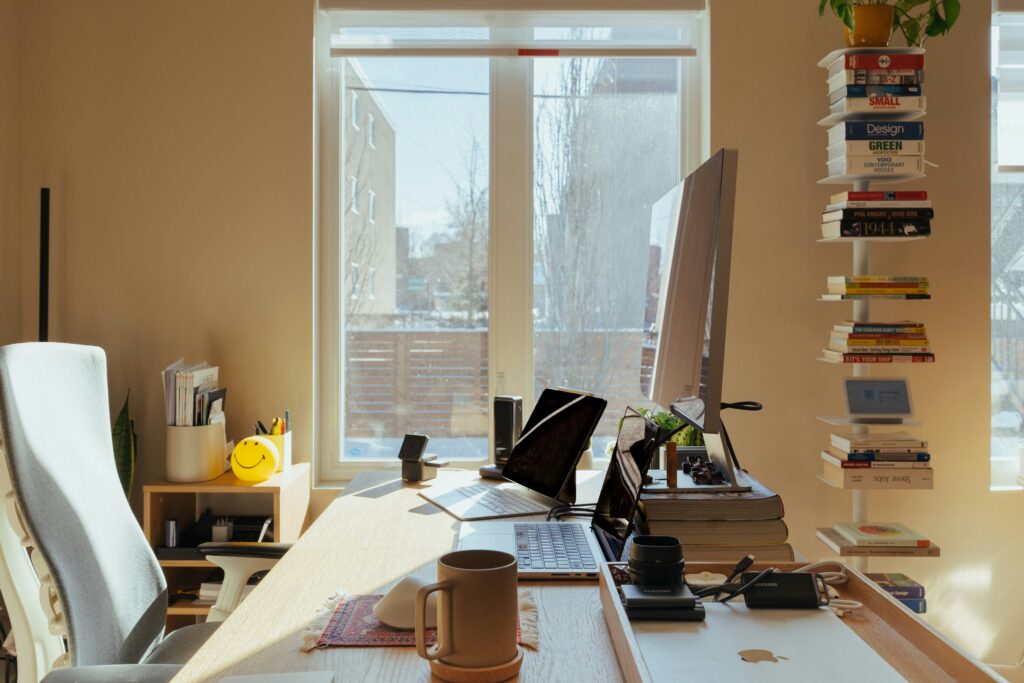
Step 2: Sort Paper Before It Takes Over
Paper is one of the biggest sources of office clutter. Instead of creating one large stack, separate documents into categories such as:
- Bills
- Tax records
- Personal documents
- Work projects
- Reference materials
- Papers to recycle
- Papers to shred
Avoid keeping paperwork “just in case” unless you genuinely need it. A simple desktop file organizer or labeled folders can make a huge difference without taking up much space. If you rarely need a document but must keep it, file it away instead of leaving it on your desk.
Also read: Decluttering Paperwork: 6 Foolproof Systems That Work
Step 3: Remove Office Supplies You Never Use
Office drawers often hide years of forgotten supplies. Go through every drawer and gather similar items together.
You may discover:
- Multiple staplers
- Dozens of pens that no longer work
- Duplicate scissors
- Old notebooks
- Broken highlighters
- Tangled charging cables
- Empty tape dispensers
Keep the supplies you actually use and donate extras if they’re still in good condition. There’s no benefit to storing twenty pens if you regularly use only three.
Step 4: Organize Your Desk Around Daily Tasks
This was the biggest improvement I made to my own workspace. Instead of placing items wherever there was room, I arranged everything based on how often I reached for it. Keep everyday essentials within arm’s reach, including:
- Notebook
- Pen
- Keyboard
- Mouse
- Water bottle
- Frequently used planner
Store less frequently used items, such as specialty stationery or backup supplies, inside drawers or nearby cabinets. The less you interrupt your workflow to search for something, the easier it becomes to stay focused.
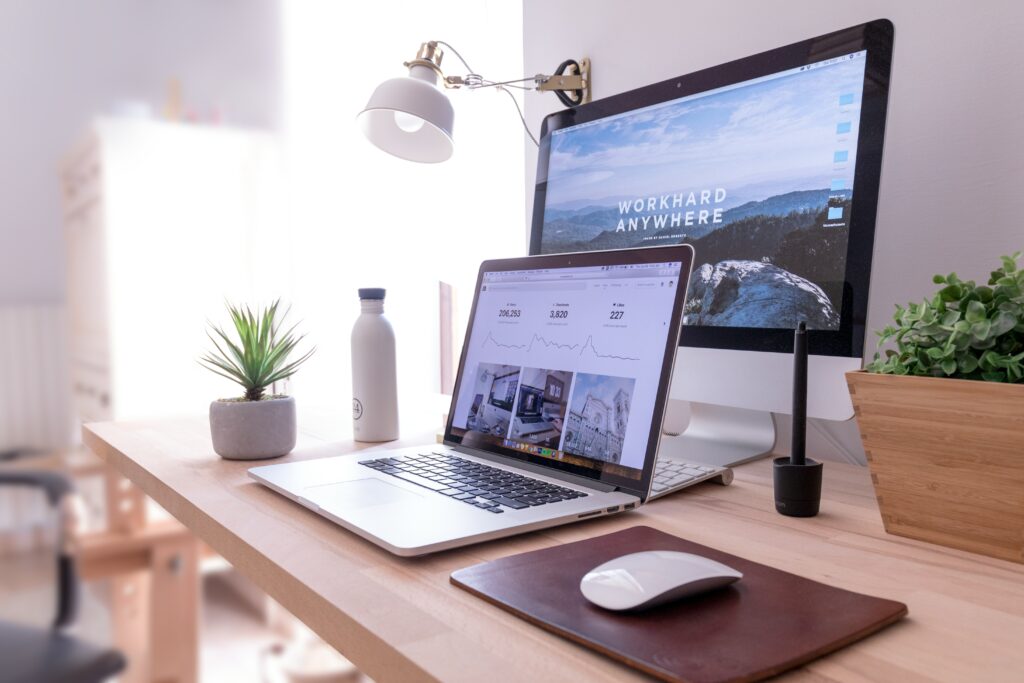
Step 5: Give Technology Its Own Space
Electronics can quickly make even a tidy office feel messy.
Gather together:
- Charging cables
- External hard drives
- USB drives
- Power banks
- Headphones
- Adapters
Use affordable cable organizers, Velcro cable ties, or small storage boxes to keep cords from tangling. If several devices stay plugged in permanently, consider placing a cable management box around the power strip to reduce visual clutter. Label rarely used cables if they look similar. It saves a surprising amount of time later.
Step 6: Create Simple Storage Zones
Instead of filling every drawer with random items, assign each storage area a specific purpose. For example:
Work Supplies
Pens, notebooks, sticky notes, paper clips, stapler, and tape.
Technology
Chargers, adapters, batteries, memory cards, and external drives.
Active Projects
Documents you’re currently working on.
Archive Storage
Completed projects and records you need to keep but don’t use regularly. This system makes it much easier to find what you need without opening every drawer.
Step 7: Reduce Visual Distractions
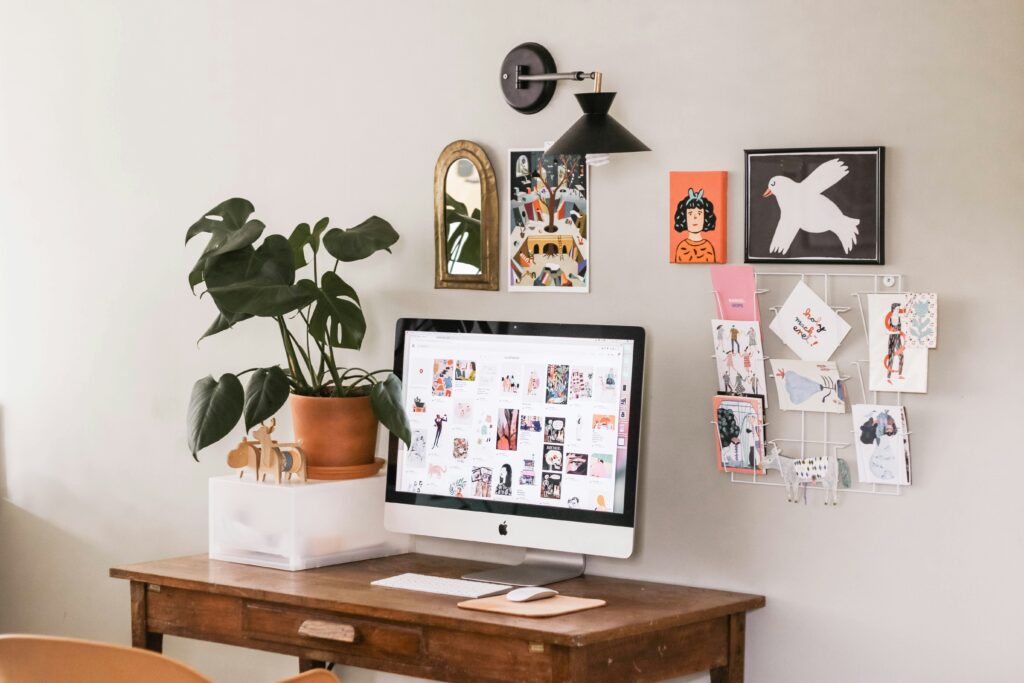
A workspace doesn’t need to feel empty, but it also shouldn’t compete for your attention. Keep decorations simple. A small plant, one framed photo, or a desk lamp can make the space feel welcoming without overwhelming your work area.
Personally, I noticed that clearing unnecessary decorations from my desk helped me concentrate for longer because there was simply less visual noise around me.
Research in environmental psychology has found that cluttered environments can compete for attention and reduce the ability to focus on tasks, although individual experiences vary. One frequently cited study from Princeton University found that visual clutter can interfere with information processing.
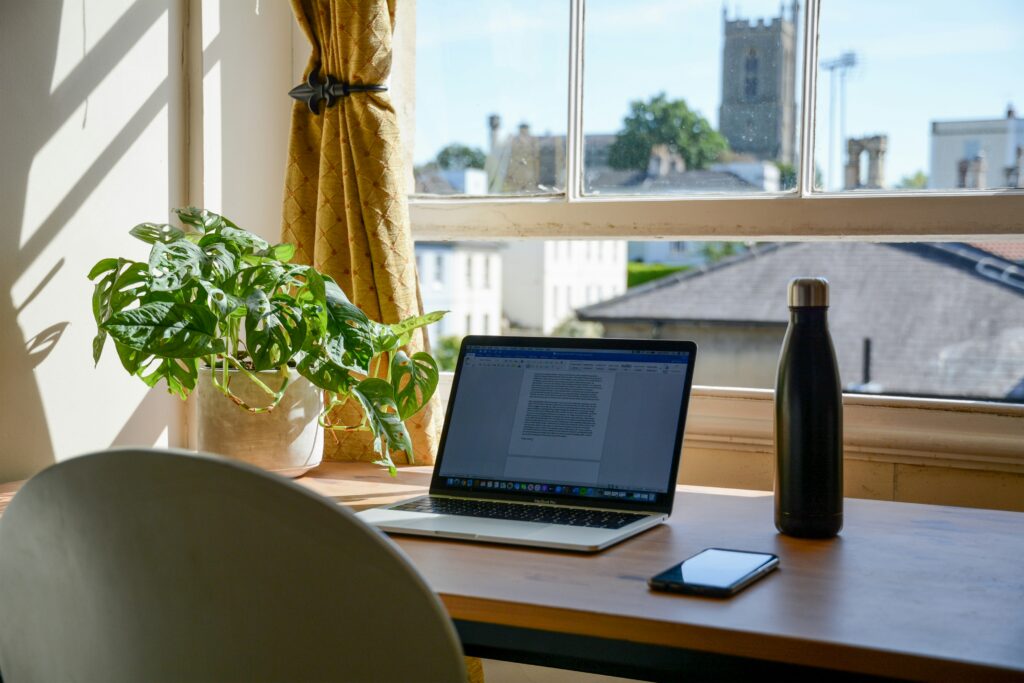
Step 8: Keep Frequently Used References Accessible
If you regularly use certain books, manuals, planners, or reference materials, store them on a nearby shelf rather than inside a drawer. At the same time, avoid keeping every book you’ve ever owned beside your desk. Keep only the resources you actively use. Everything else can move to another bookshelf elsewhere in your home.
Step 9: Build a Five-Minute End-of-Day Reset
One habit has probably saved me more time than any storage organizer I’ve purchased. Before finishing work each day:
- Put pens and stationery back where they belong.
- File loose papers.
- Return books to the shelf.
- Throw away trash.
- Wipe the desk if needed.
- Close notebooks and store unfinished projects together.
Starting the next workday with a clean desk makes it much easier to begin working immediately.
Organize for Productivity, Not Appearance
It’s tempting to copy beautiful office setups from social media. However, an office should support the way you work, not simply look attractive in photos.
If keeping reference books on your desk genuinely helps your workflow, that’s perfectly fine. Practical organization almost always works better than chasing a perfectly minimalist setup that doesn’t match your daily routine.
Small Tricks That Save Time Every Week
Keep a small inbox tray on your desk for new paperwork instead of letting papers spread across the workspace. Schedule ten minutes once a week to empty it before it grows into another large pile.
Another useful habit is keeping a small cleaning cloth inside your desk drawer. Wiping dust from your keyboard, monitor, and desk during your weekly reset keeps the workspace looking cleaner with very little extra effort.
One Mistake That Makes Office Clutter Return
Avoid using your desk as temporary storage for household items. Shopping bags, unopened packages, laundry, and personal belongings often end up on office chairs or desks because they seem convenient at the time. Unfortunately, these temporary piles quickly compete with your actual work and make the office feel crowded again.
Also read: 50 Tiny Things to Declutter That Quietly Make Your Home Feel Messy
Build a Workspace That Supports the Way You Work
Every home office looks different. Some people need space for creative projects, while others spend the day on a computer with very little paperwork. Choose storage solutions that match your daily tasks instead of trying to recreate someone else’s office. The best workspace is the one that helps you work comfortably and efficiently.
A Few Last Words
Decluttering home office spaces becomes much easier when you organize around your daily workflow instead of simply putting things away. By reducing paper clutter, creating dedicated storage zones, managing cables, and ending each workday with a quick reset, you’ll build a workspace that stays organized, supports better focus, and makes starting work feel much less stressful.











Leave a Reply