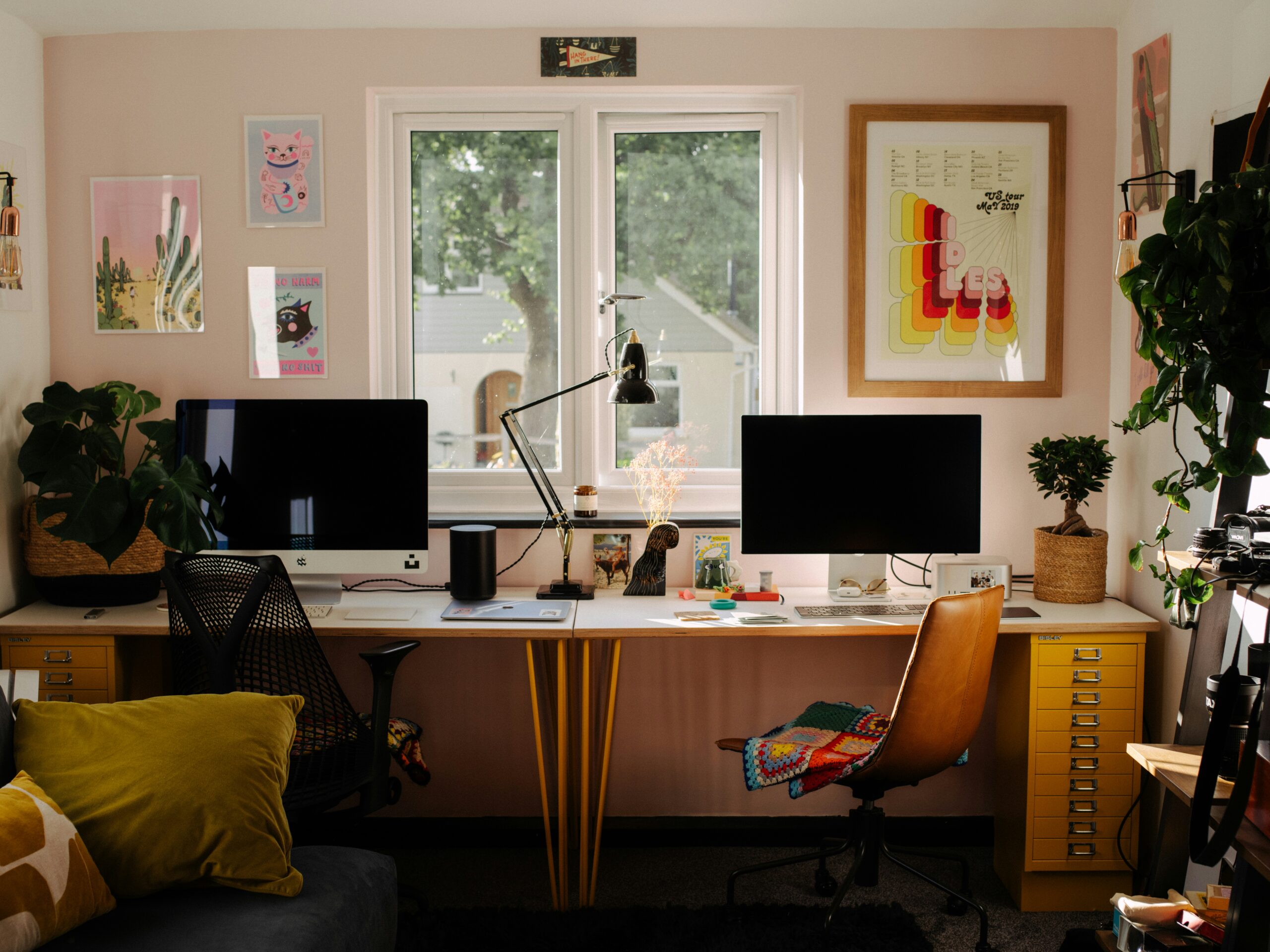
A home office often starts with good intentions. A clean desk, a few supplies, maybe a neat stack of papers. But over time, things slowly spread. A notebook stays open longer than needed, cables gather behind the monitor, and paperwork begins to form small piles that feel harmless at first. This is a very common pattern, especially when the same space is used for multiple tasks.
The goal of organizing home office spaces is not to create a perfect room. It is to build a system that reduces daily friction so you can focus without constantly searching for things. When your environment is clear, your thinking usually feels less scattered too. Let’s go step by step through practical, realistic ideas you can apply even in a small space or shared room.
1. Start with a full reset of your space
Begin your organizing home office process by emptying everything. Take items off your desk, shelves, and drawers. Place them in one open area so you can see everything at once. This step often feels bigger than expected because hidden clutter becomes visible.
Sort items into four simple groups: keep, relocate, donate, and discard. Avoid thinking too much here. You are not organizing yet, only separating. This reset creates clarity before you decide where things should go.
Also read: 50 Tiny Things to Declutter That Quietly Make Your Home Feel Messy
2. Define what your home office actually supports
Before placing anything back, think about how you use the space. Some people handle paperwork daily, others mainly work on a laptop, and some switch between multiple roles.
This matters because home office organization ideas only work when they match your routine. If you rarely print documents, a large printer station may not be necessary. If you attend many meetings, cable and device access becomes more important than storage.
3. Create clear work zones
Divide your space into simple zones instead of mixing everything together. You can think of three basic zones:
- Work zone (desk and computer)
- Paper zone (incoming and outgoing documents)
- Supply zone (backup office items)
This structure prevents your desk from becoming a storage surface. It also reduces the mental load of deciding where things should go every time you use them.
4. Keep your desk surface intentionally minimal
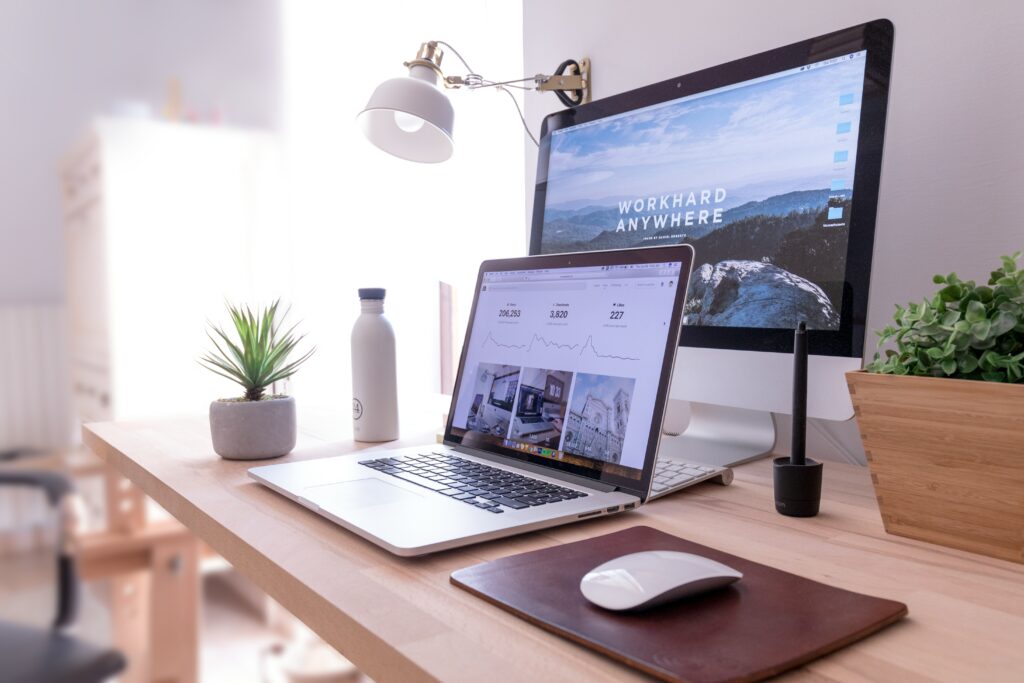
Your desk is where decisions happen, so it should stay visually calm. For organizing home office desk setup, keep only daily-use items visible. This usually includes your laptop, one notebook, a pen, and perhaps a water bottle.
Everything else should have a home outside the desk. Research from the Princeton University Neuroscience Institute shows that visual clutter competes for attention and can reduce focus, which is especially noticeable in work environments.
5. Build a simple paperwork system
Paperwork is one of the fastest ways a home office becomes overwhelming. Instead of complex filing systems, use three categories:
- Action needed
- Waiting
- Completed
This system works because it matches how you actually process tasks. It also prevents papers from spreading across surfaces. This is one of the most practical paperwork organization methods for beginners.
Also read: Decluttering Paperwork: 6 Foolproof Systems That Work

6. Store important files in clearly labeled folders
Once paperwork is sorted, move it into labeled folders. Avoid vague names like “miscellaneous.” Instead, use direct labels such as “tax documents 2026” or “client invoices.” For organizing home office files, clarity matters more than design. The easier it is to name something, the faster you can retrieve it later.
7. Use vertical space for storage
Walls are often underused in home offices. Install shelves, pegboards, or wall-mounted organizers to free up desk and floor space. Keep frequently used items at eye level and less-used items higher up. This approach improves organizing home office shelves and helps small rooms feel less crowded without reducing storage capacity.
8. Organize supplies into clear categories
Office supplies often become messy because they are small and portable. Group them into categories like writing tools, printing items, and tech accessories. Store each category in separate containers. For organizing home office supplies, transparent boxes or labeled drawers work best because they reduce time spent searching for items.
9. Turn a closet into structured storage
If you have a nearby closet, avoid using it as random storage. Instead, divide it into sections:
- Daily-use supplies
- Archived documents
- Equipment storage
This is one of the most effective home office closet organization strategies for people with limited room. It keeps hidden storage from turning into forgotten clutter.
10. Use a rolling cart for flexibility
A rolling cart helps when your workspace serves multiple purposes. You can move supplies when needed and store them when not in use. This works well in shared spaces or small rooms where permanent storage is limited.
11. Digitize what you do not need physically
Not every document needs to be kept in paper form. Scan important records and store them digitally. This reduces physical storage needs and makes retrieval easier. Many people find this especially useful for long-term home office space organization challenges.
12. Add simple cable management
Cables are often overlooked but create constant visual clutter. Use clips, sleeves, or small boxes to keep cables grouped together. Even basic cable organization improves how clean your workspace feels.
13. Create a weekly reset routine
A system only works if it is maintained. Spend 10–15 minutes each week:
- Returning items to their place
- Filing loose papers
- Clearing your desk
- Checking supplies
This prevents clutter from building slowly over time.
14. Add functional comfort elements
A home office should not feel purely functional. Add one or two supportive elements like a good chair, soft lighting, or a small plant. Keep it minimal. Too many decorative items can reverse the effect of organizing.
15. Keep a “temporary holding” space
Even the best systems need flexibility. Create one small tray or box for temporary items. This prevents random clutter from spreading while still giving you space to handle tasks later.

A practical hack that makes a difference
One small method that often helps is using “arrival points.” Instead of placing items randomly when you enter the room, assign a single tray or spot where everything goes first. This includes mail, receipts, or loose notes.
From there, you sort once per day or every few days. It reduces decision fatigue and keeps surfaces cleaner without constant effort.
A caution that prevents most organizing failures
A common mistake is over-designing the system. People buy too many containers or create overly detailed categories. When a system becomes difficult to maintain, it usually collapses within weeks.
A simple structure that you actually use is more effective than a perfect system that feels exhausting. The goal is long-term ease, not immediate perfection.
A small limitation worth knowing
No organizing method fully removes clutter if your workload or incoming materials stay high. Even a well-designed system will need periodic adjustment. This is normal, especially in home offices that handle both personal and professional tasks. Organization reduces chaos, but it does not eliminate activity itself.
Organizing home office spaces is less about strict rules and more about building a system that fits your daily habits. When you structure zones, simplify paperwork, and maintain light routines, your workspace becomes easier to use without constant effort. The aim is not perfection but stability. A calm, functional environment supports focus in a steady, quiet way over time.
Also read: How to Declutter Your Home in 30 Days: A Realistic Plan That Actually Feels Manageable
Featured image credit: Photo by Annie Spratt on Unsplash